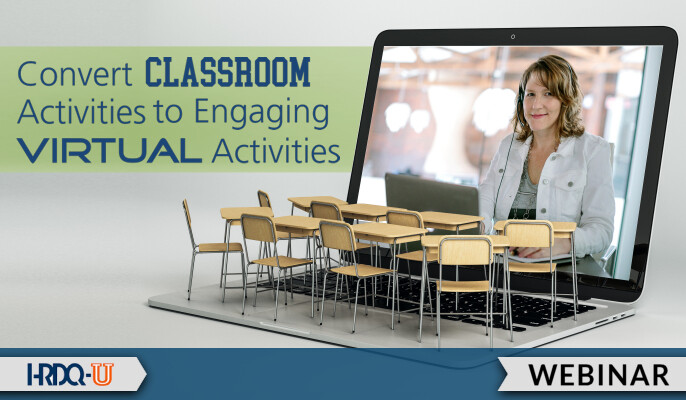
Let’s take a closer look at getting creative with the program design and tools, using two examples.
Example 1: Icebreakers
The start of any training program typically includes introductions. In a traditional in-person class, participants may take turns introducing themselves in small groups, or if it’s just a few attendees, to the large group. Often, a “fun” icebreaker element is added to help participants get comfortable with each other and to set the stage for interaction.
When transferring this activity to the online classroom, it’s tempting to skip over the introductions and jump into the content. But don’t make this mistake—it’s even more important to create a social environment in a virtual classroom and to set the stage for interaction. It’s also easy to do using simple platform tools.
You can invite introductions in chat and then use poll questions to find out what everyone has in common. Or, you could place everyone into small breakout groups at the start of the event for a quick 5-minute introductory conversation. Or, you could have a discussion question on screen and do a ‘round-robin’ to have each person answer it via status indicators or a quick verbal response. What all of these methods have in common is that everyone gets involved in a social experience right at the start of the event.
Example 2: Case Studies and Role Plays
Case studies and role plays are common methods used in traditional training classes. They simulate real-world scenarios that help participants apply lessons learned back on the job. There are several methods to replicate these activities in a virtual classroom, ranging from simple to complex.
One easy way is to post a case study description on screen and ask participants to discuss it verbally or via chat. Alternatively, you could provide the case study details in an electronic handout and use breakout rooms for small group discussion. Collaborative whiteboards allow for group note taking and brainstorming if the case study calls for that.
If you’re creative with the program design and the case study has enough depth, you could invite the small groups to work collaboratively together, returning to the virtual classroom after an extended period of time. This technique is especially useful if the training curriculum is a series of virtual classes and the same group works together throughout.
For role plays, a ‘fishbowl’ style activity allows two attendees (such as the facilitator and a participant volunteer) to demonstrate a technique. To get everyone involved, you could offer a paired chat discussion by assigning each participant to a partner and allowing them to privately chat with each other for discussion. Or, make use of the platform’s breakout room feature to place partners or trios into a private room for practice. Just be sure they have clear instructions and timeframes, along with directions on how to ask for help when needed.
Converting classroom activities to virtual ones involves creativity and consideration of how to maximize the platform tools. A combination of both elements will lead to your success in the virtual classroom.